Our Guides

When you master the basics, you can work smarter, save time, and cut costs.
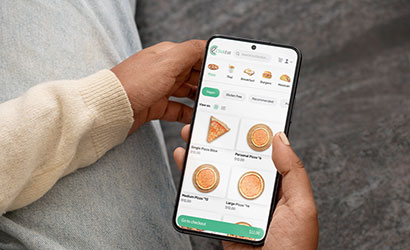
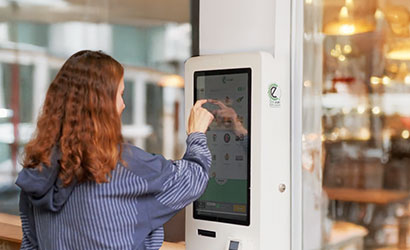
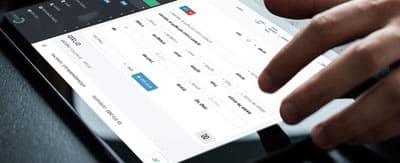
 Our guides help you understand how to make the most of ClickEat’s powerful tools—
 from creating a complete digital menu and managing deliveries to tracking sales data
 and launching promotions that drive repeat orders. Turn everyday tasks into efficient, precise, and seamless operations.

Welcome to ClickEat

Where new customers get started

We’ve gathered everything you need to know –
from setting up delivery zones and managing your menu, to connecting your POS and creating loyalty programs. Our guides will help you master ClickEat in no time.
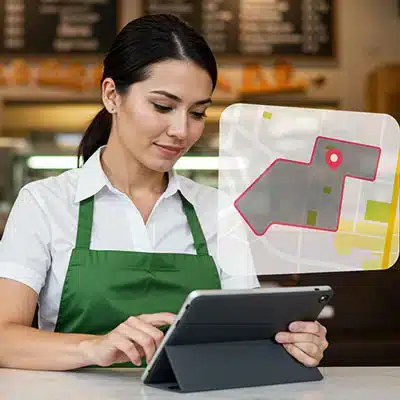
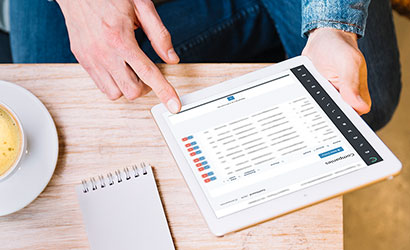
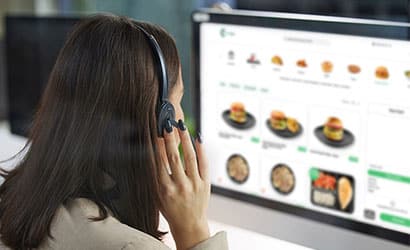
Woman using a tablet to manage online food deliveries
חיפוש לפי קטגוריה

Initial Setup

  • Business Hours & Delivery Zones

    Define your business hours and active days. Set delivery zones based on logistics or availability.

    לצפייה

Menu Configuration

  • Category & Subcategory Setup

    Organize dishes in a navigable structure – e.g., ‘Main Courses’ > ‘Grilled Meats’ or ‘Vegan’.

    לצפייה
  • Menu Item Entry

    Add all your dishes including name, description, SKU, price, and images. Support variations like size and extras.

    לצפייה

Order & Delivery Management

  • Track Incoming Orders

    Monitor all incoming orders online with details, notes, and delivery types – all in one view.

    לצפייה
  • Quick Dish Deactivation

    Out of steaks? Can’t keep up? Temporarily disable the item to avoid delays or errors.

    לצפייה
Scroll to Top