



Direct Marketing That Comes From Your Restaurant
ClickEat lets every business owner run direct marketing to their own customers, independently and at any time. SMS, popups inside the ordering flow and scheduled system messages are all part of the core platform. We believe every restaurant should be able to grow sales and keep its customer relationships without paying commissions to outside platforms and without waiting on anyone else. Confirm SMS sending is live for US numbers (carrier registration) before publishing this page.
Send targeted messages to the audience you choose: new customers, returning customers or customers who have not ordered in a while.
Offer upsells, conditional discounts and smart promotions at the exact moment the customer adds an item to the cart.
Plan closures, delivery time changes and busy-period updates in advance. The system handles them automatically.
Every tool is run directly from the back office, with no agency and no support ticket.
SMS Marketing
The right message for the right person
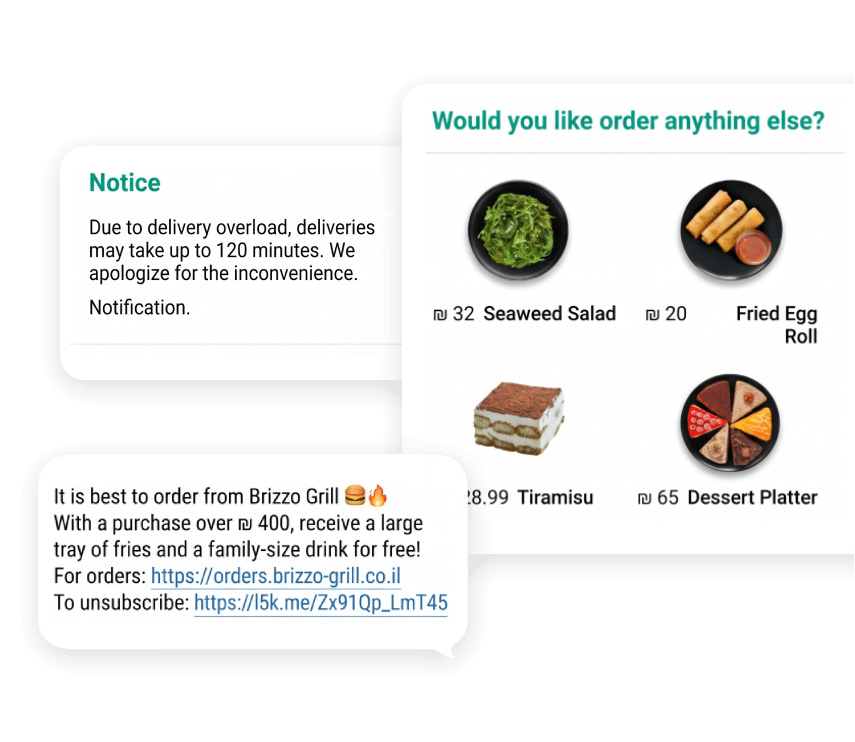
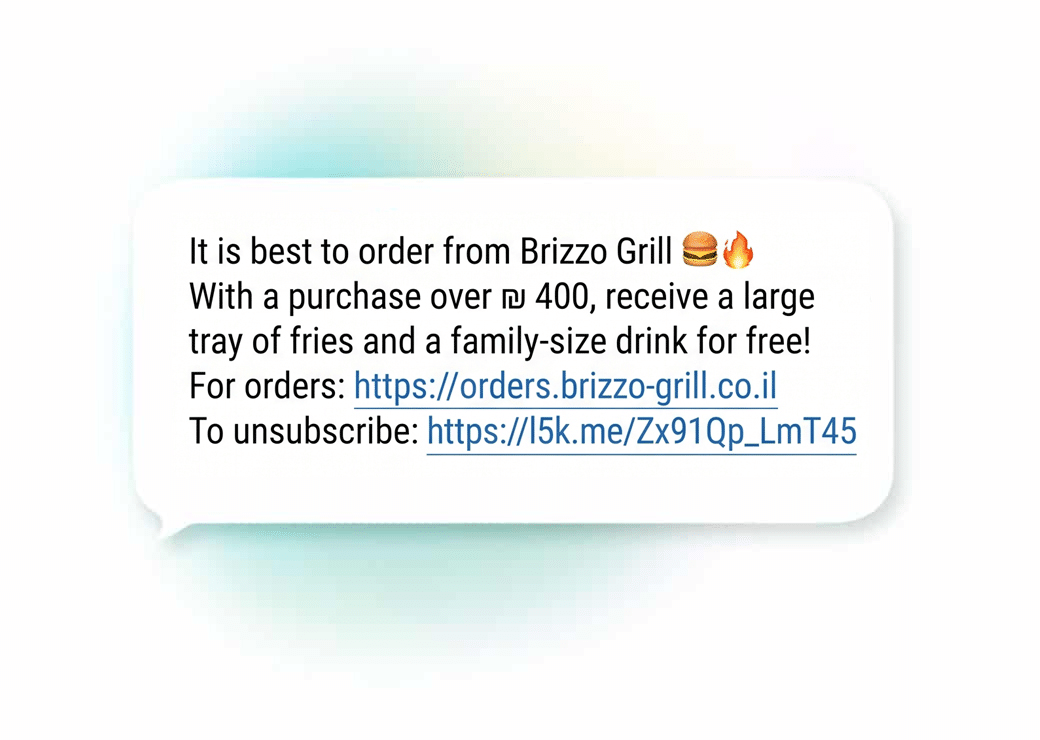
Send targeted messages directly to your customers from the regular back office, with no outside tools. Send to your whole customer list, an uploaded list or a precise segment. Messages can be scheduled ahead, templates can be saved for reuse, and a test message can be sent before a wide campaign. Every message includes an automatic opt-out. Confirm US message length limit; the Hebrew page states 201 characters.
- New customers: a welcome message with a first-order offer
- Customers who have gone quiet: a win-back message with a targeted promotion
- Regulars: a thank-you and a loyalty benefit
- High spenders: an exclusive offer
Smart Popups During Ordering
Upsell at the right moment
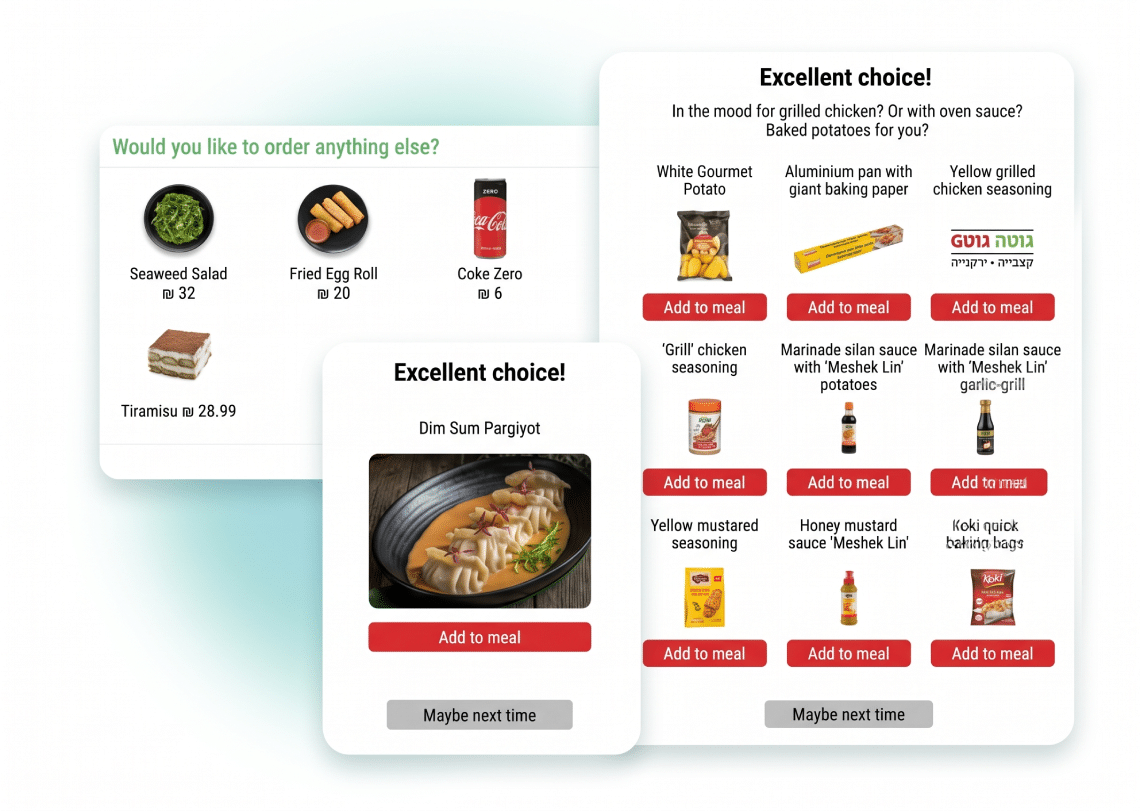
The strongest moment for marketing is not before or after the order. It is during it. Right when the customer adds a dish to the cart, the system can suggest a natural addition. ClickEat supports condition-based popups that appear only when a specific condition is met, displayed cleanly and without getting in the way. The customer accepts or dismisses with one tap. You define which dishes trigger the popup, what the offer is, what discount applies and when it is active: by days, hours, products or categories.
- A customer adds a sushi roll: the popup offers an appetizer at 20% off
- The cart reaches a set amount: the popup offers an upgrade
- Moving to checkout: a last-minute add-on before the order is completed
System Messages
Smart operations that run on their own
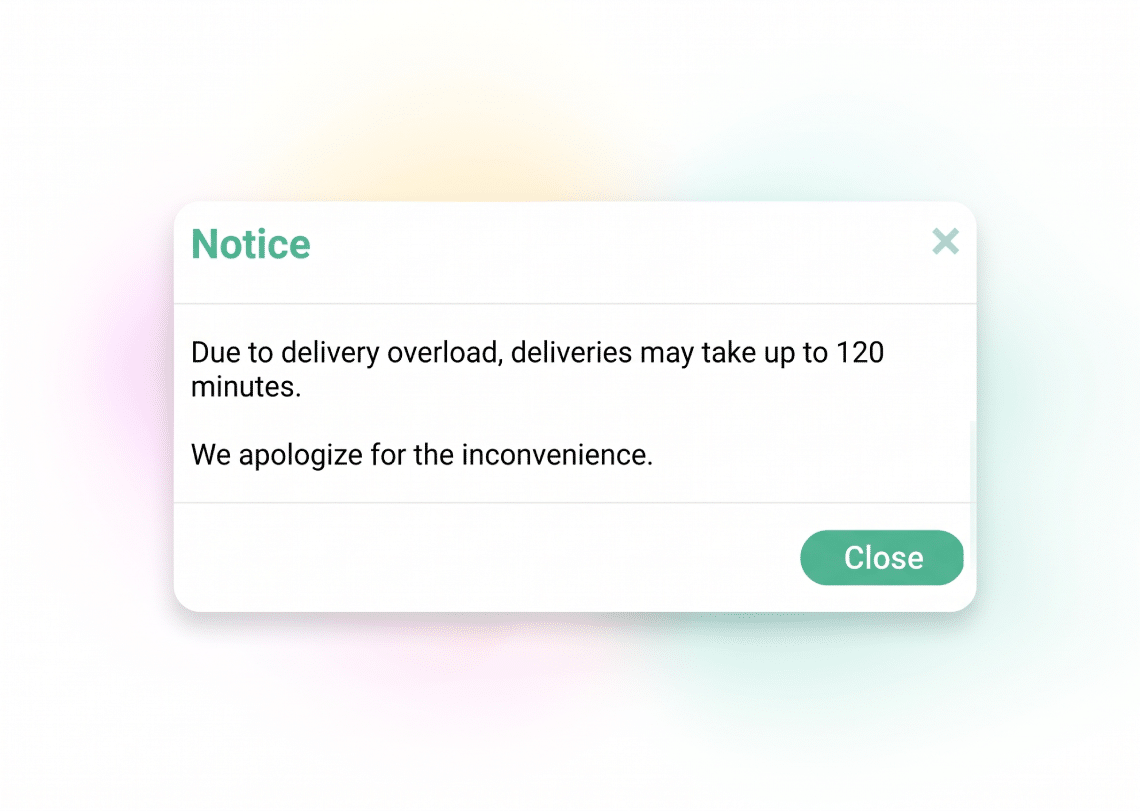
System messages are the most powerful operational tool for managing rushes, holidays and real-time changes without being at a computer. Unlike a regular popup, which only shows information, a system message can also take an action. For example, before Thanksgiving you can schedule ordering to close on Wednesday at 2:00 PM. The system closes and reopens automatically, and nobody has to remember to do it.
- Update delivery times: add X minutes to the time shown to the customer
- Block orders: automatic closure for holidays or temporary closures
- Message by delivery zone: only customers in a specific area see it
- Precise scheduling: start and end dates, hours and days of the week
Homepage and Menu Entry Popups
Two more places to speak to your customer
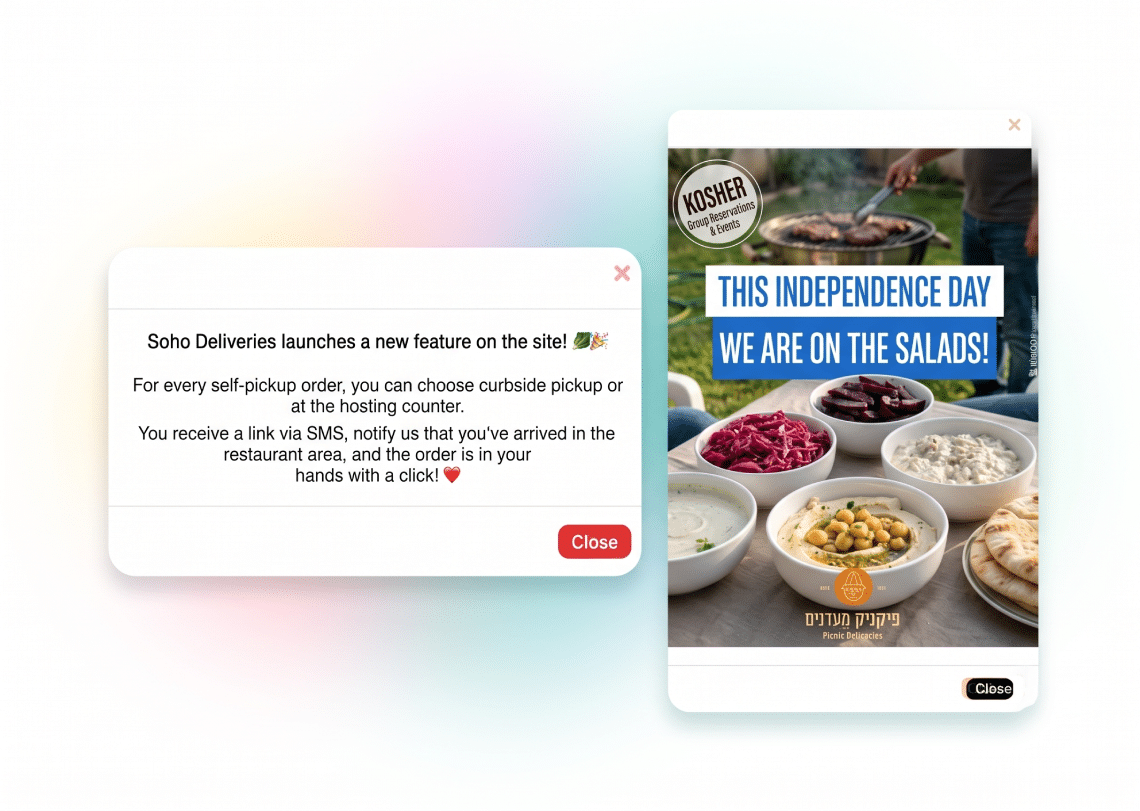
Beyond in-order popups, ClickEat lets you set popup messages at two main entry points. The homepage popup appears as soon as the customer enters the site, and suits a general marketing message, a promotion announcement or an invitation to join your loyalty program. The menu entry popup appears right before the customer starts choosing dishes, and suits operational updates such as an unavailable dish, long preparation times or a change in menu hours. A different message can be set for each location. Both popups support free text, an external link and an image.
Ready to Empower your brand?
Let’s Talk