



Streamline Pickup and Grow Sales at Every Location
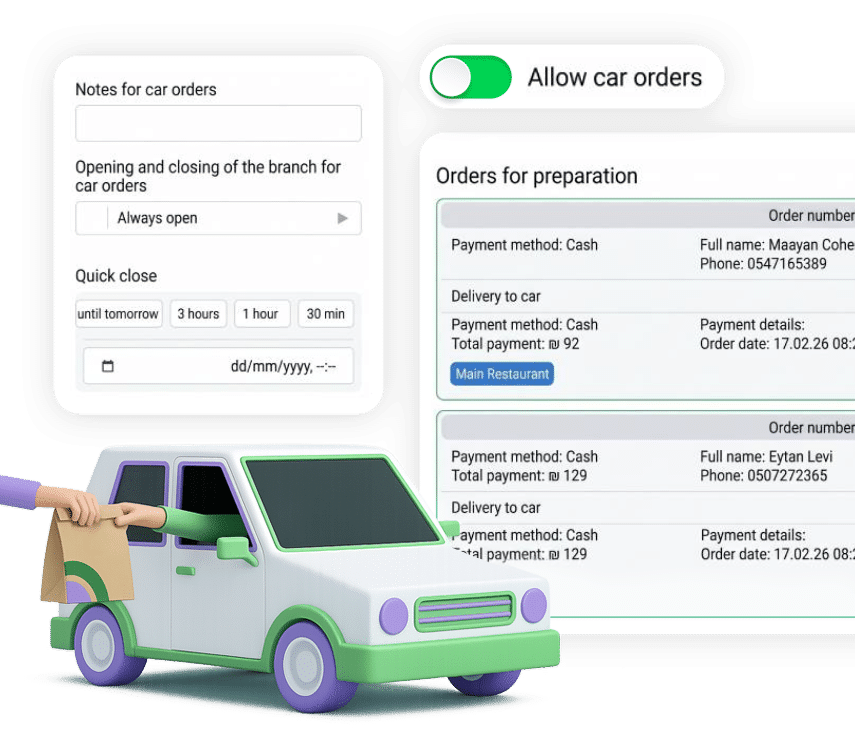
ClickEat’s curbside pickup system lets customers collect an order without leaving the car, with full status management and real-time alerts. It is especially useful for parents with young children, for areas without easy parking and for pickup at locations where stopping is difficult, and it generates meaningful growth in order volume.
Convenient curbside pickup opens your service to parents, tricky locations and limited parking, and grows order volume.
The customer collects the order without leaving the car and without waiting at the counter.
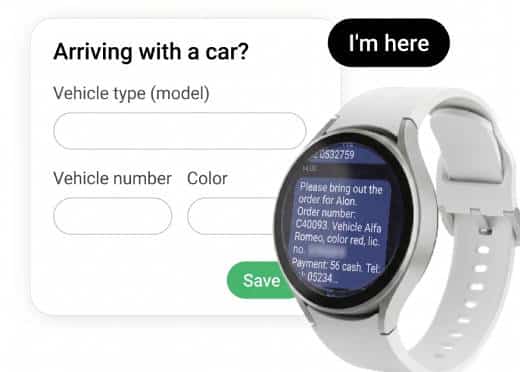
Vehicle color and model selection, arrival check-in and an instant alert to your team.
Manage statuses and stopping areas, and record arrival and handoff times.
A Smart Pickup Process
Vehicle identification and real-time alerts
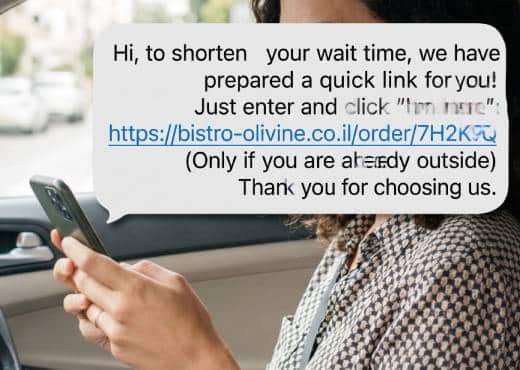
When placing the order, the customer chooses the vehicle’s color and model from a defined list. After checkout they receive a message with a dedicated link and a photo showing the exact stopping area. On arrival, tapping the link triggers an automatic alert in the restaurant. At the same time, the team member assigned to curbside receives a smartwatch alert with the order number, vehicle color and location, and walks straight out to the stopping area with the order.
Pickup Management Screen
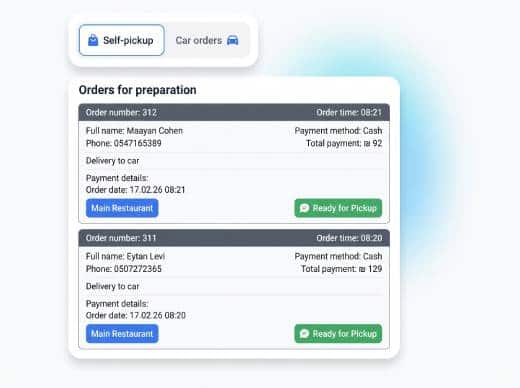
A dedicated operations screen for your team
A central operations screen shows all curbside orders by status: waiting for arrival, customer arrived, handed off. Your team sees the order details, the vehicle’s color and model, the stopping area and the customer’s phone number in real time. A handoff is confirmed in one tap, and the time the order went out to the car is recorded for operational oversight.
Stopping Areas
Manage parking spots and defined pickup zones
Define several stopping areas or dedicated parking spots in the back office, including signage and zone numbers. When ordering, the customer receives a clear photo of the stopping area and precise arrival instructions. Different areas can be managed by load or by order type.
Full Sync With Your Existing System
Connected to POS, kitchen and order statuses
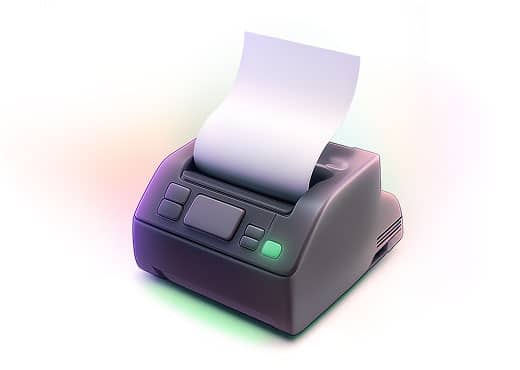
Curbside orders are part of the regular ordering flow and sync to your POS and kitchen screens. The order status updates in real time, so the team knows when to prepare and when to bring the order out to the car, with no double entry and no separate system.
Control at the Location Level
Fit the process to your business
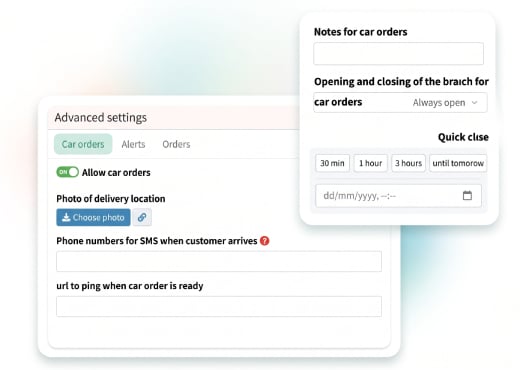
Turn curbside pickup on or off by hours of operation, busy days or geographic area. The system adapts fully to locations with limited parking, downtown areas and shopping centers.
How does it work in practice?
Ready to Empower your brand?
Let’s Talk