

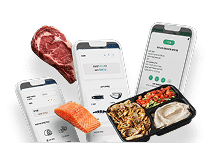


ClickEat Self-Service Kiosks
ClickEat kiosks let customers order on their own inside your location, fully connected to your POS and your ordering system. Self-service ordering generates on average up to 25% higher sales than ordering with a cashier.
A self-paced ordering flow and a photo-based menu raise the average ticket compared with a staffed register.
Take pressure off the counter and move your team to preparation and service.
No register mistakes, no cash shortages and no end-of-shift counts.
Place several kiosks to manage lines at peak hours.
Interactive Ordering
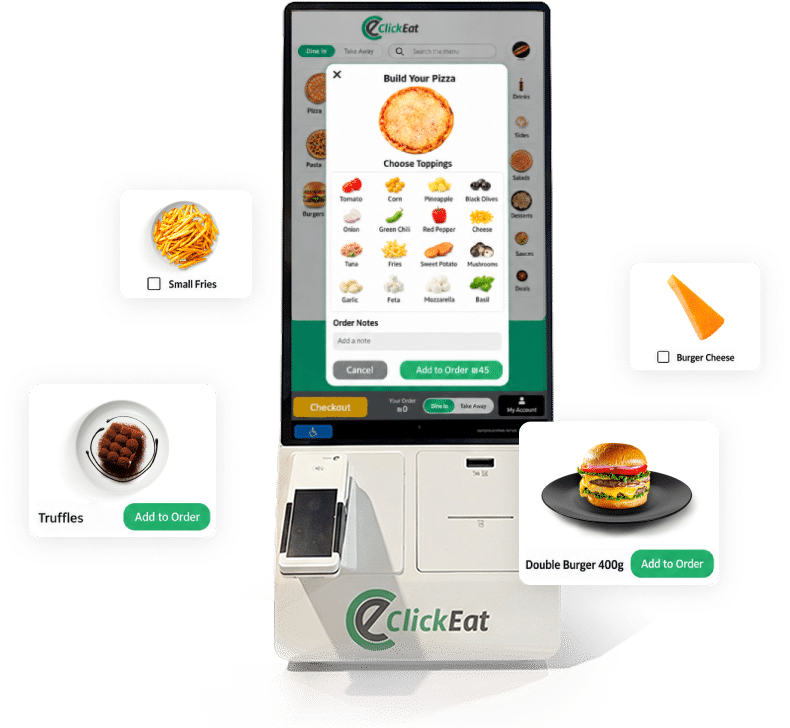
A step-by-step interface
The kiosk system lets you build a structured, step-by-step ordering flow for each product type. Define the steps for a build-your-own pizza, a custom bowl, combos and add-ons, with selection logic, limits and required choices. The price updates in real time with every selection, including add-ons, upgrades and promotions. The interface is built for touch screens, with clear navigation, visual feedback and full control of the display.
Menu Management
Synced to every kiosk
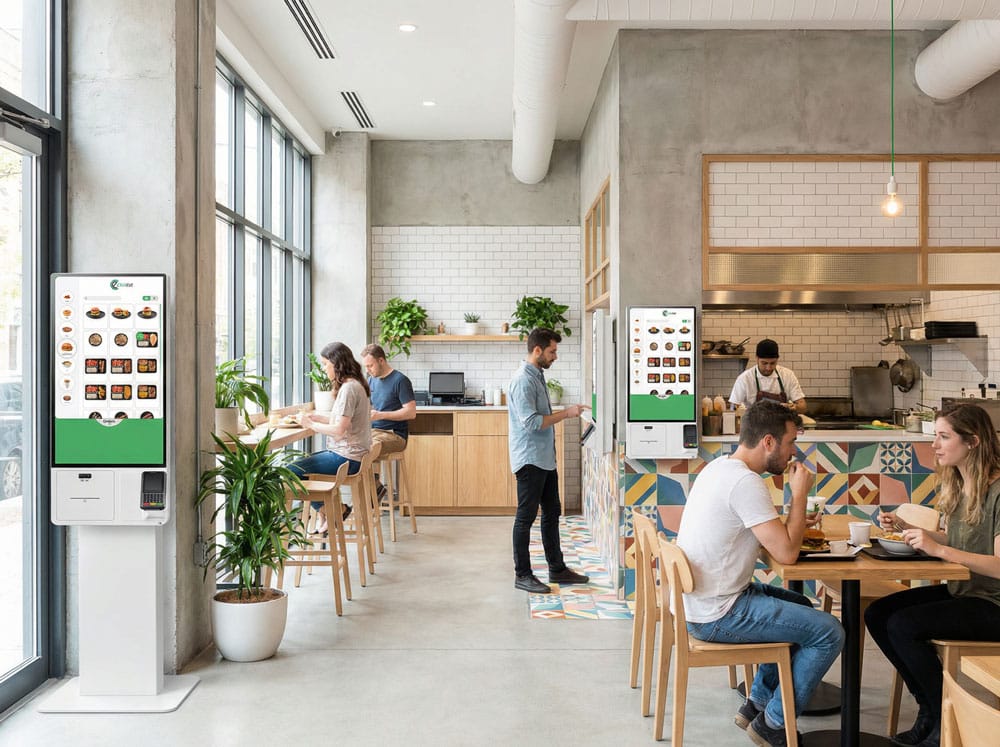
Every menu is managed from one central back office and updates automatically on all kiosks in the location. You can set different menus by time of day, location, kiosk type or sales area. Price changes, availability, promotions and product display all happen in real time, with no need to touch the kiosks themselves.
POS and Kitchen Integration
No double entry
Kiosk orders are sent straight to your POS and kitchen screens with no double entry. Each order receives a transaction number and an operational status, and connects fully to your accounting system. Two-way sync means changes in availability or price show up on the kiosks immediately.
Payments
Every way your customers pay
ClickEat kiosks accept credit and debit cards, digital wallets and additional payment methods, depending on your payment processor. You can define which payment types are allowed, separate payment methods by location or kiosk, and connect directly to your settlement reports. Every transaction is closed at the kiosk and sent automatically to the central system. Confirm US payment processor and supported methods. The Hebrew page names 10bis and Cibus.
Loyalty, Coupons and Promotions
Connected to your loyalty program
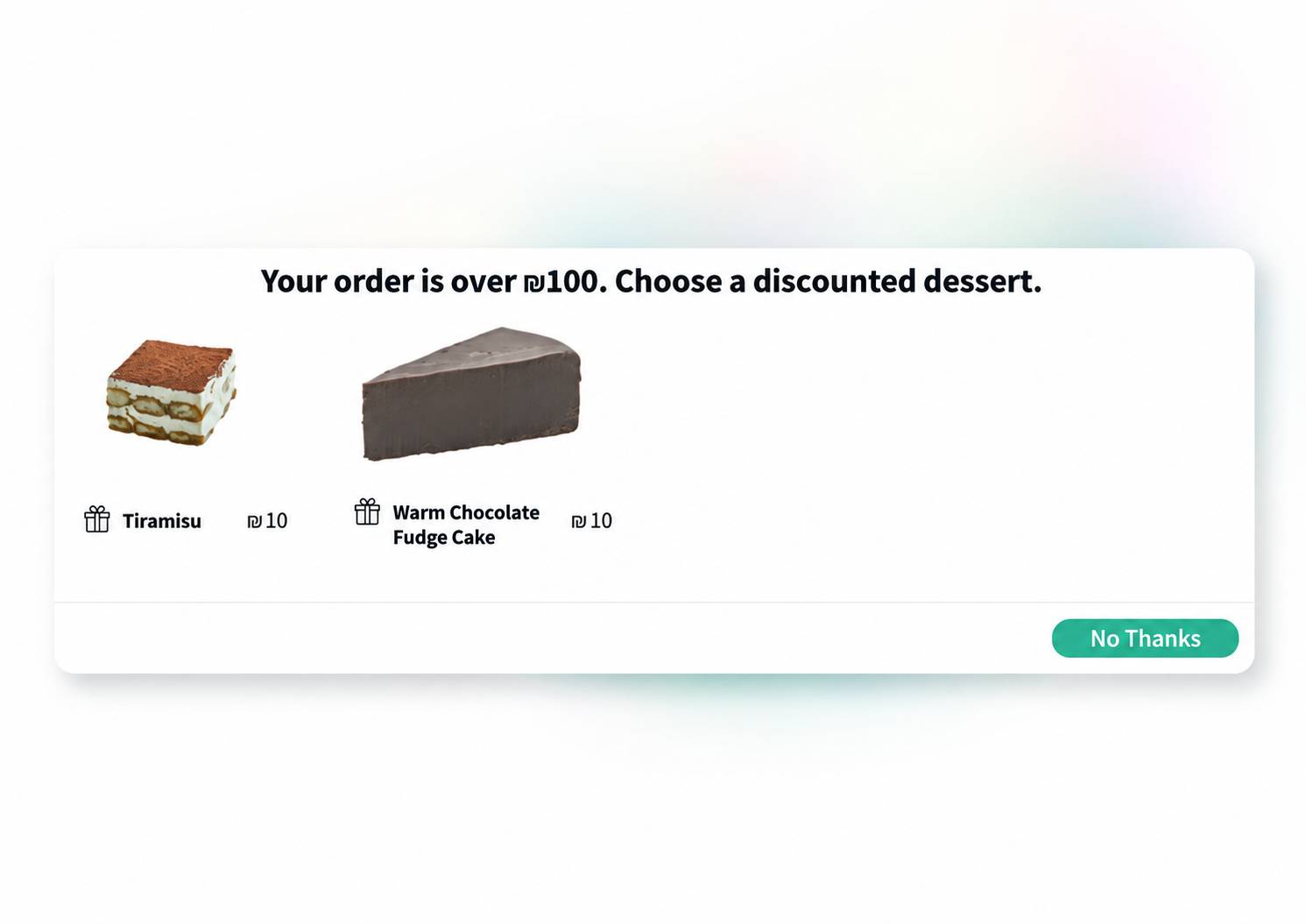
Customers can identify themselves with a phone number, a QR code or a loyalty card. They can earn points, redeem coupons, use rewards and apply promotions directly in the kiosk ordering flow. All loyalty activity syncs to the central system and is recorded in the customer profile.
Multi-Kiosk Deployment
Built for chains and food halls
Kiosks can be deployed in independent restaurants, chains and food courts. The system supports several kiosks running in parallel, with central control of menus, permissions and settings for each kiosk or location separately.
Ready to Empower your brand?
Let’s Talk