

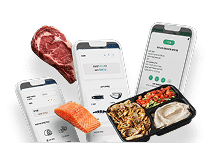


From Paper Tickets to a Smart Display That Streamlines Every Order
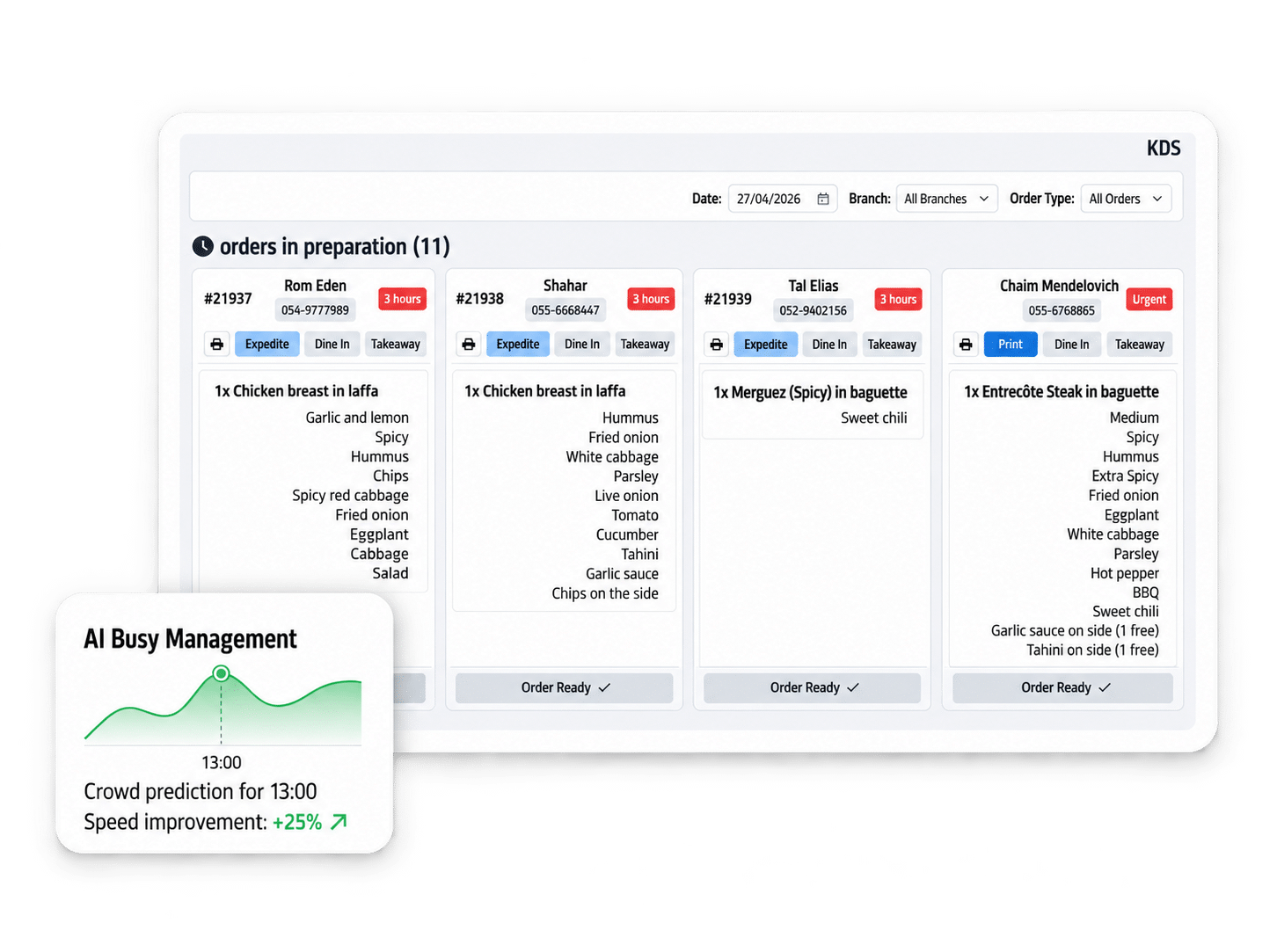
A KDS (Kitchen Display System) is the smart screen that replaces the ticket printer in the kitchen. Instead of tickets piling up on the pass, every order is shown clearly, in sync and under control, directly on the cooks’ screens. ClickEat’s advanced KDS splits orders by prep station, groups identical dishes and manages the rush with AI.
Every order appears on screen and is confirmed and closed with one tap.
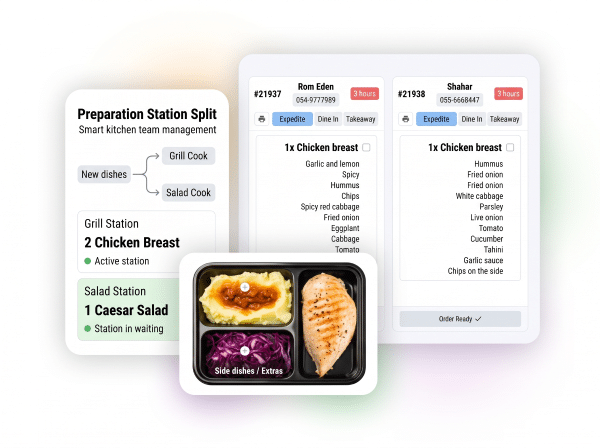
Each cook sees only the dishes relevant to their station.
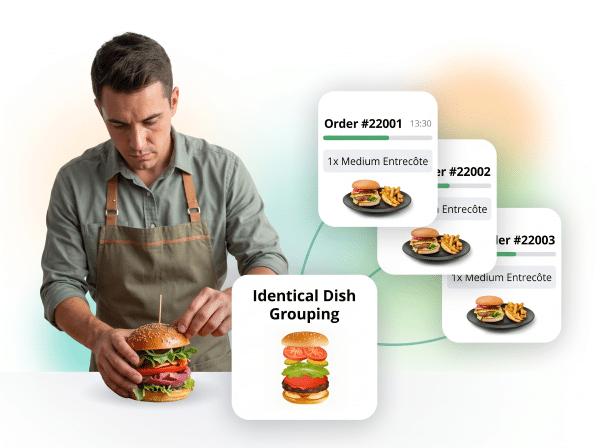
Three burgers from different orders are shown together, not separately.
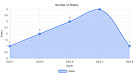
Forecasts peak times from order history and optimizes the prep queue.
Split by Prep Station
Every station sees its own work
In a professional kitchen, each station does a different job: salads, grill, sides, desserts. ClickEat KDS lets you define which dishes appear on each screen, so the salad station does not see burgers and the grill does not see salads. The split shortens prep time, reduces errors and lets each station work at its own pace, fully coordinated with the rest of the kitchen.
- Dishes assigned per screen
- Several screens running at the same time
- Coordination between stations without shouting across the kitchen
- Fewer errors and fewer duplicate preparations
Dish Grouping
Cook the same dish once, for several orders
Instead of preparing each order separately, ClickEat KDS can group identical dishes from different orders and prepare them together. For example, four burgers placed in four separate orders are shown together as “4 burgers to prepare”, not as four separate tickets. You can also set a time window: orders arriving within X minutes are gathered and shown together.
- Groups identical dishes from several orders
- Configurable time window for gathering orders
- Shorter overall prep time
- More efficient grilling and cooking
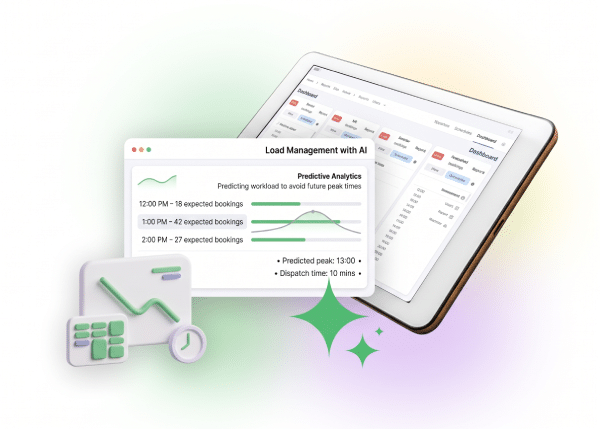
AI-Based Rush Management
See the rush before it arrives
The system analyzes historical order data and calculates the expected load by hour and day. Cooks and shift managers can see in advance how many dishes to expect in each time window and prepare accordingly. You can also set hold times and pacing rules for incoming orders, so the kitchen keeps running smoothly at peak hours.
- Load forecasting based on history
- Expected number of dishes per hour
- Configurable time window for order grouping
- An optimized prep queue at peak times
Ready to Empower your brand?
Let’s Talk