



Holiday Menu and Pre-Order System
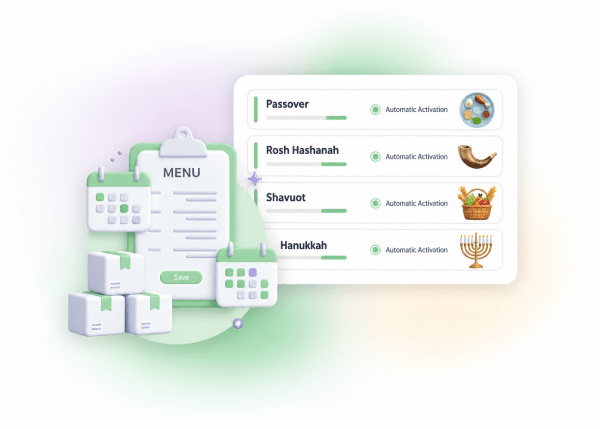
Holidays are peak season for caterers, butcher shops and fish markets, and peak operational chaos at the same time. ClickEat lets you build dedicated holiday menus, take pre-orders with quantity limits and close ordering at the time you choose, automatically. Each holiday menu is managed separately, with its own dates, conditions and production limits. You can keep several holiday menus through the year (Thanksgiving, Christmas, Passover, Rosh Hashanah) and activate each one at the right time.
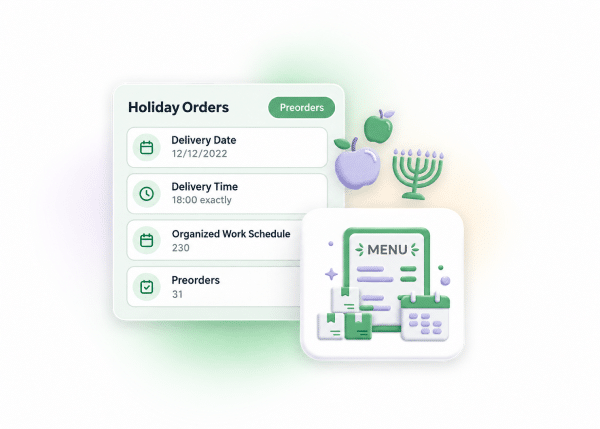
The customer chooses a date and time, and orders are gathered on an organized work board.
Set how many units are available. When a product sells out, it disappears from the menu automatically.
Define when ordering stops. The system closes and reopens on its own.
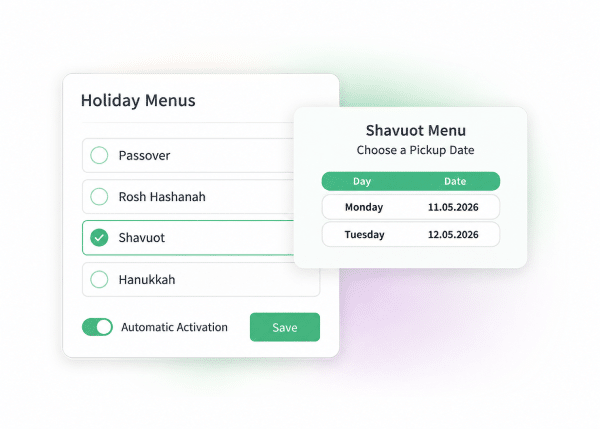
Manage a menu for every holiday in one place and activate each at its time.
Setting Up a Holiday Menu
Dates, conditions and limits
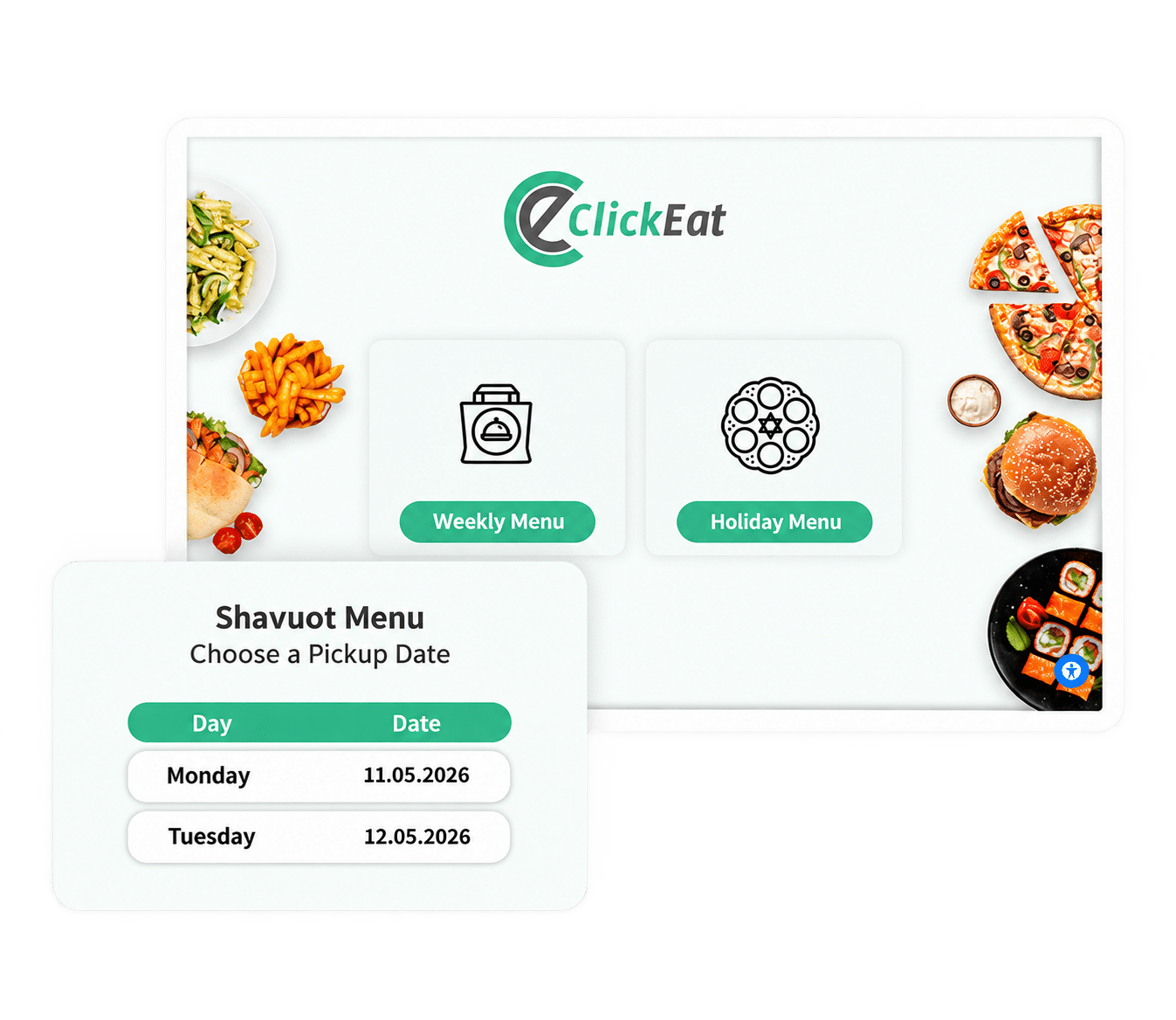
Each holiday menu has a date range during which customers see it. You can open ordering a month before the holiday and close it a few days ahead, for orderly preparation. Each menu has its own conditions: minimum order, minimum quantity, delivery zones, pickup dates that are separate from order dates, and quantity limits per product. When a product sells out, the system hides it automatically.
- Opening and closing dates for each menu
- Minimum order and minimum quantity per product
- Quantity limit per product, hidden automatically when sold out
- Dedicated pickup dates, separate from order dates
- Special delivery limits for the holiday period
- Automatic cutoff X days before pickup
Several Holiday Menus
Managed all year round
Build and save several holiday menus in the system and activate each one when needed. No rebuilding every year: just update and activate. Each menu is saved with all its settings: products, prices, quantities, conditions and dates. Between holidays the menu stays inactive, and when the time comes you switch it on with one click.
- Save a holiday menu for future use
- Update prices and quantities before each season
- Manual activation or automatic activation by date
- Run the regular menu and a holiday menu at the same time
Production Reports
Know what to prepare before you start
Before every holiday the system produces complete production reports: how many units of each product were ordered, for which date and for which delivery zone. No surprises on the day.
- Orders by product and pickup date
- Production report by quantity and type
- Summary by delivery zone
- Excel export for kitchen and inventory planning
Pricing
A reduced fee while the menu is inactive
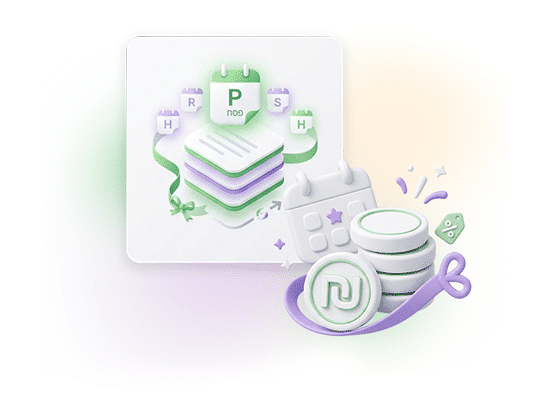
The holiday menu feature stays available all year, including the periods when the menu is not taking orders. So that you can keep menus ready year-round, it is priced at a reduced monthly fee, lower than the fee for a regular active menu. You can save several holiday menus, update them each season and activate with one click, without paying a full fee for a menu that is live only a few weeks a year. Confirm US pricing model for this feature.
Ready to Empower your brand?
Let’s Talk